About
Swivl is a field service management platform built for teams that coordinate technicians, jobs, and billing in the field — a B2B context where the primary users are predominantly male, operationally focused, and working under time pressure.
This project combined three workstreams running in parallel: a visual redesign driven by user feedback and accessibility requirements, a full design system consolidation to address years of accumulated inconsistency, and the design of four new end-to-end product flows.
Problem
Audit: Mapping the Real State of the Product
We started by conducting a full audit across all product pages — cataloguing detached components, identifying inconsistencies, and documenting which elements were connected to the library versus which were floating. This gave us a clear picture of scope and helped us prioritise what to address first.
At the same time, we reviewed the colour system against WCAG contrast requirements, identifying every failing combination and mapping them against the most common use cases.
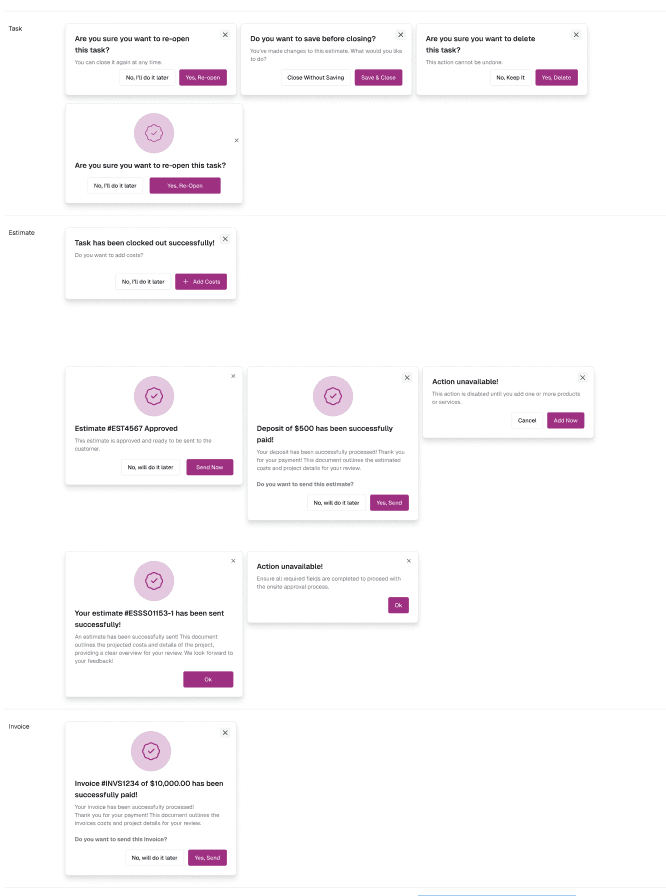
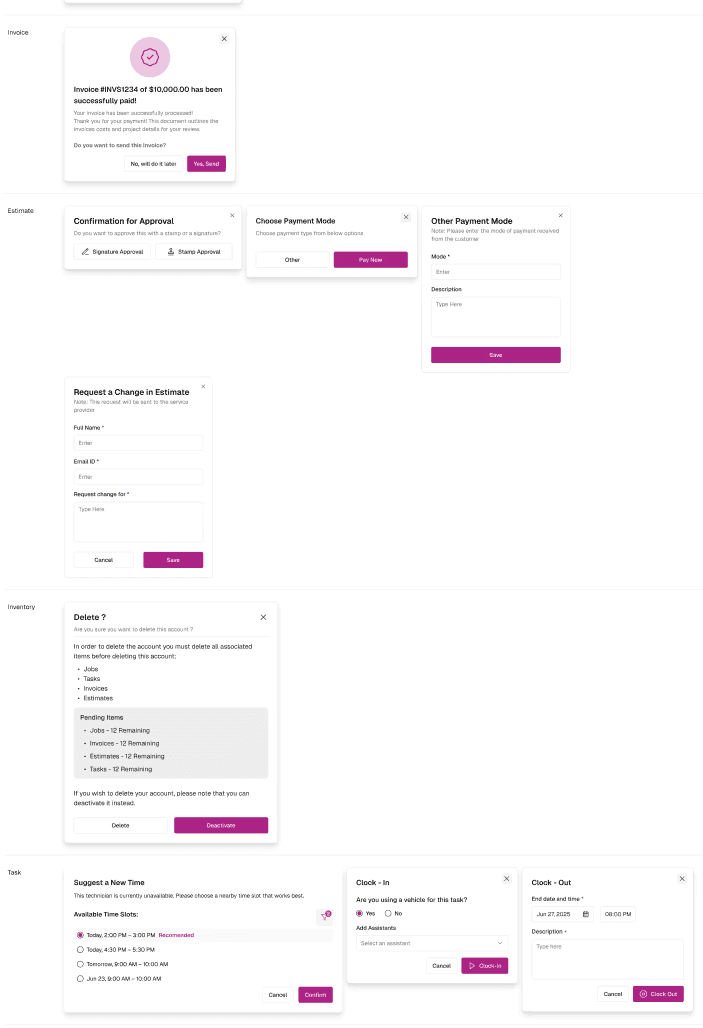
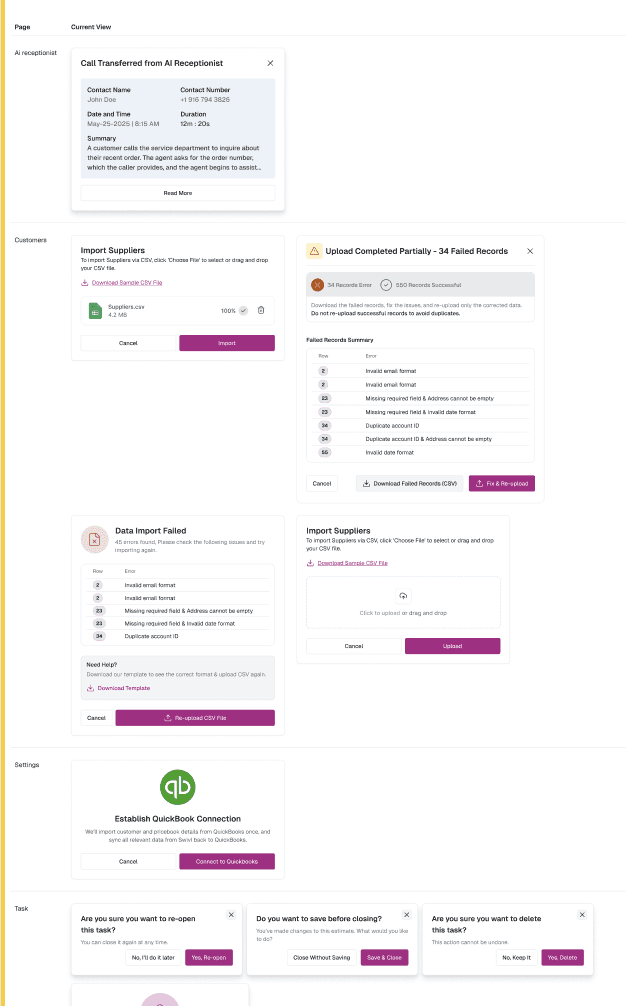
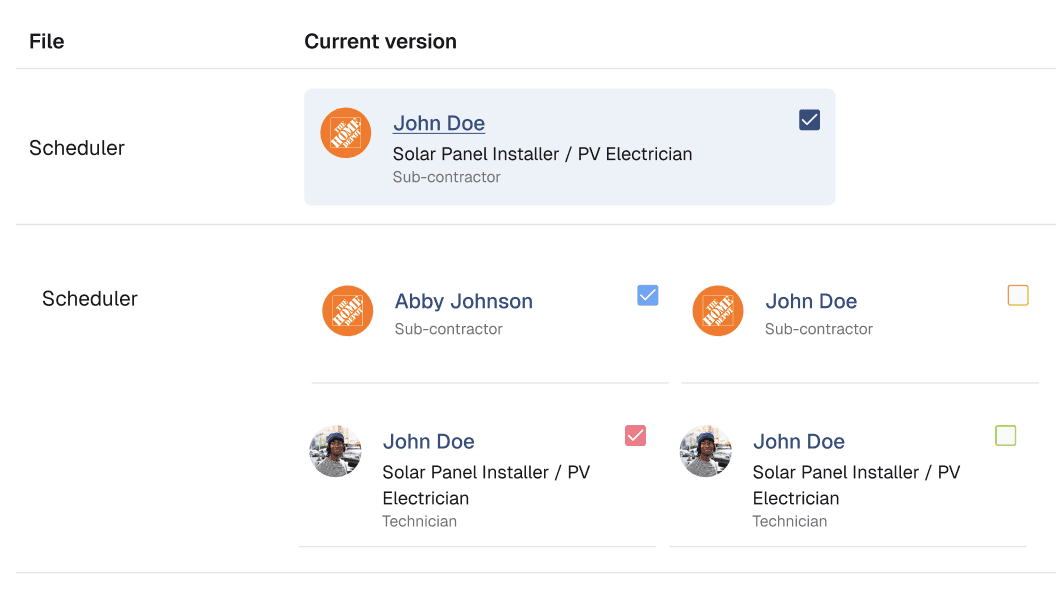
Visual Redesign: Colour and Accessibility
We developed a new colour direction that addressed both the user feedback and the accessibility failures. The updated palette shifted away from tones that read as soft or feminine toward a more neutral, grounded visual language — one that would feel professional and credible to a trades-oriented user base without being cold or heavy.
Every new colour combination was validated against WCAG AA contrast requirements, with particular attention to the text-on-background combinations most common in the product's data-dense views.
Design System Rebuild
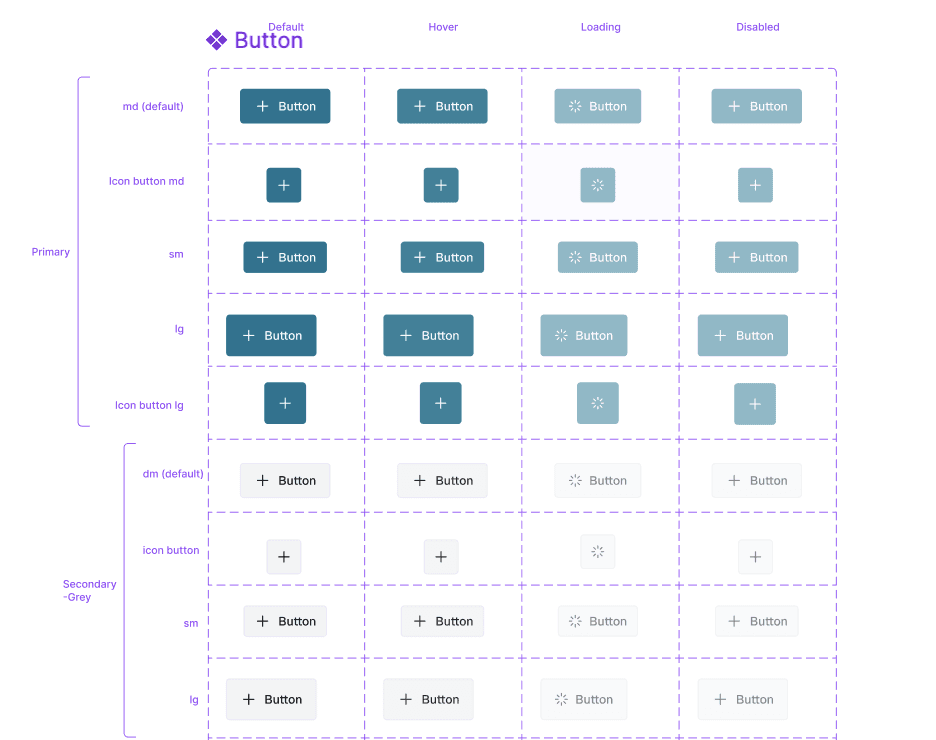
With the new colour direction established, we rebuilt the design system from scratch in Figma:
Introduced Figma variables for colour, spacing, and typography — creating a proper token layer that connected Figma components to the design decisions, and aligned with shadcn naming conventions for engineering consistency
Replaced all detached components with properly connected library equivalents, extending the system intentionally where gaps existed
Removed redundant and duplicate elements, significantly reducing component count and file complexity
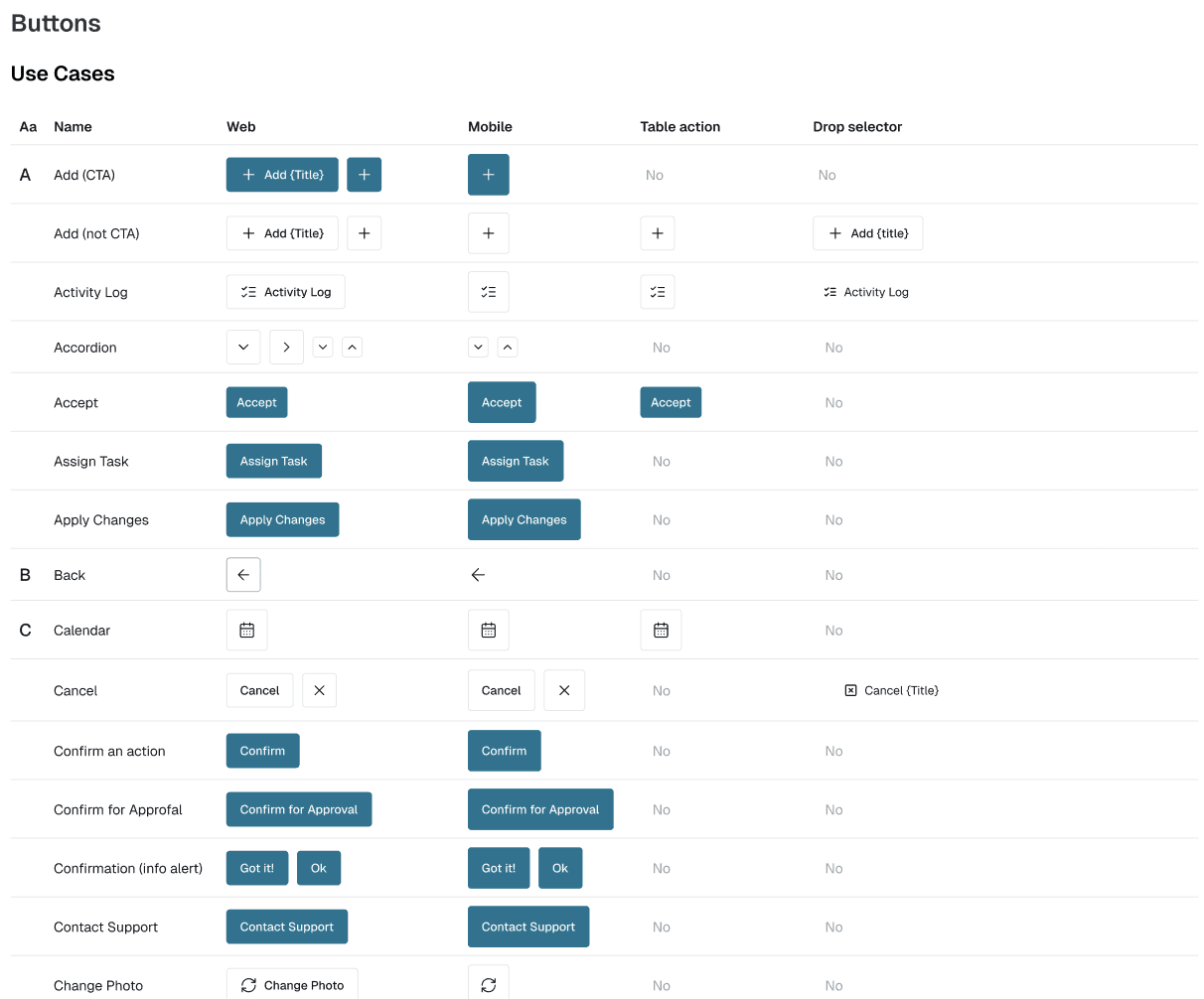
Defined usage rules and documentation: which component to use in which context, naming conventions, component hierarchy, and edge case guidance
New Product Flows
Running in parallel with the system work, we designed four new core workflows from end to end:
Job creation — the primary workflow for dispatching work to field technicians
Estimate creation — allowing teams to generate and send quotes before committing to a job
Task creation — granular work item management within jobs
Invoice creation — billing flow linked to completed jobs and estimates
Each flow was designed within the new system from the outset — meaning the visual redesign and the system rebuild were validated through real product work rather than in isolation.
The project delivered across all three workstreams:
1️⃣
2️⃣
3️⃣
The most interesting constraint on this project was the need to run three parallel workstreams without letting any one of them block the others. Rebuilding a design system while simultaneously redesigning the visual language and designing new flows meant that decisions made in one area had immediate implications for the others.
We handled this by treating the new flows as the primary validation environment for both the colour changes and the system components — building the flows in the new system rather than retrofitting. This kept the work grounded and prevented the system rebuild from becoming an abstract exercise disconnected from real product decisions.
Working with Victoria, we divided ownership clearly while maintaining a shared view of the overall direction. The combination of component-level system work and flow-level product design gave the project depth on both the craft and the product thinking side.